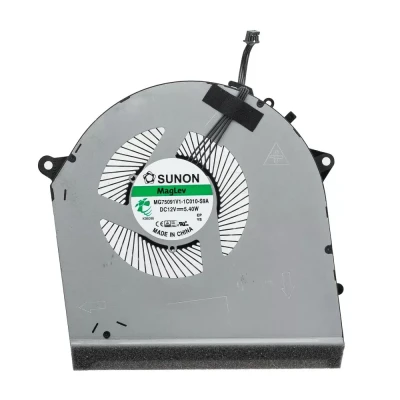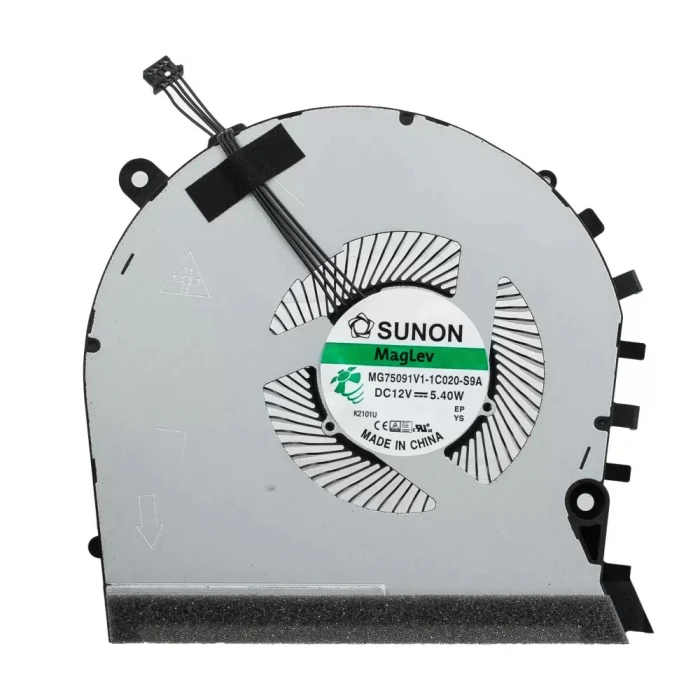
CPU

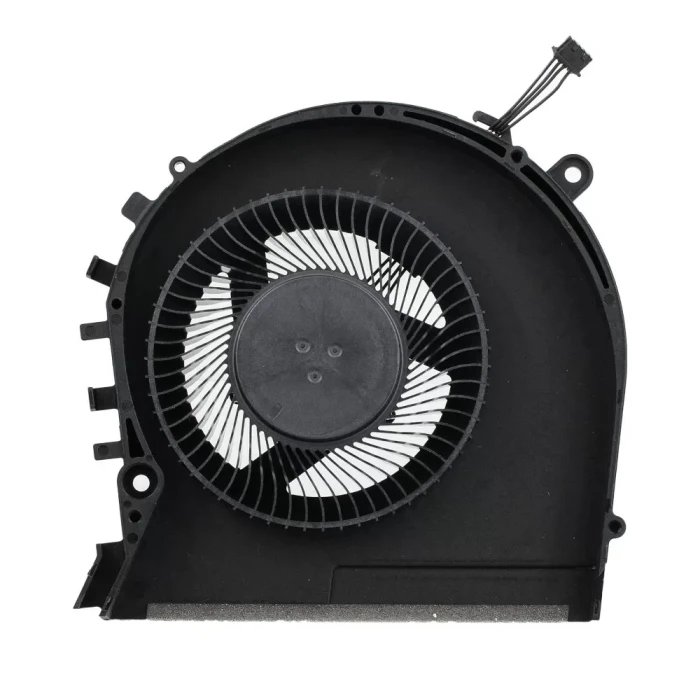
| Model / PN | MG75091V1-1C020-S9A |
| Condition | NEW |
| Location | shenzhen,China |
HP OMEN 17-CB TPN-C144 thin GTX CPU Fan original (Part Number: MG75091V1-1C020-S9A) is a high‑quality replacement cooling fan engineered for laptop thermal systems. This fan is manufactured to meet the specifications of major OEM brands such as Delta, Sunon, Nidec, AVC, Foxconn, and others. Proper identification of your original fan's brand and part number (PN) is the most reliable way to ensure a perfect match.
Technical Specifications:
| Attribute | Value |
|---|---|
| Compatible part number | MG75091V1-1C020-S9A |
| Compatible models | HP Omen 17-cb HP Omen 17-cb0000ur HP Omen 17-cb0001ur HP Omen 17-cb0002ur HP Omen 17-cb0004ur HP Omen 17-cb0007ur HP Omen 17-cb0008ur HP Omen 17-cb0009ur HP Omen 17-cb0010ur HP Omen 17-cb0011ur HP Omen 17-cb0012ur HP Omen 17-cb0013ur HP Omen 17-cb0014ur HP Omen 17-cb0015ur HP Omen 17-cb0017ur HP Omen 17-cb0018ur HP Omen 17-cb0019ur HP Omen 17-cb0020ur HP Omen 17-cb0021ur HP Omen 17-cb0022ur HP Omen 17-cb0023ur HP Omen 17-cb0024ur HP Omen 17-cb0025ur HP Omen 17-cb0026ur HP Omen 17-cb0028ur HP Omen 17-cb0030ur HP Omen 17-cb0031ur HP Omen 17-cb0032ur HP Omen 17-cb0033ur HP Omen 17-cb0034ur HP Omen 17-cb0035ur HP Omen 17-cb0036ur HP Omen 17-cb0037ur HP Omen 17-cb0038ur HP Omen 17-cb0039ur HP Omen 17-cb0040ur HP Omen 17-cb0041nf HP Omen 17-cb0041ur HP Omen 17-cb0042ur HP Omen 17-cb0044ur HP Omen 17-cb0045ur |
Why Brand & PN Matter:
EG50060S1-C710-S9A) uniquely identifies the exact fan model. Matching PN guarantees fitment.How to Identify Your Fan:
Still unsure? Take a clear photo of your fan's sticker (top view) and the connector, then send it to our support team. We'll identify the brand and PN for you, and confirm compatibility.

Every fan we sell is inspected for brand authenticity, PN correctness, voltage/current accuracy, speed (RPM), and noise level. We cross‑check each unit against our compatibility database to ensure it matches the listed specifications and will function correctly in your laptop.